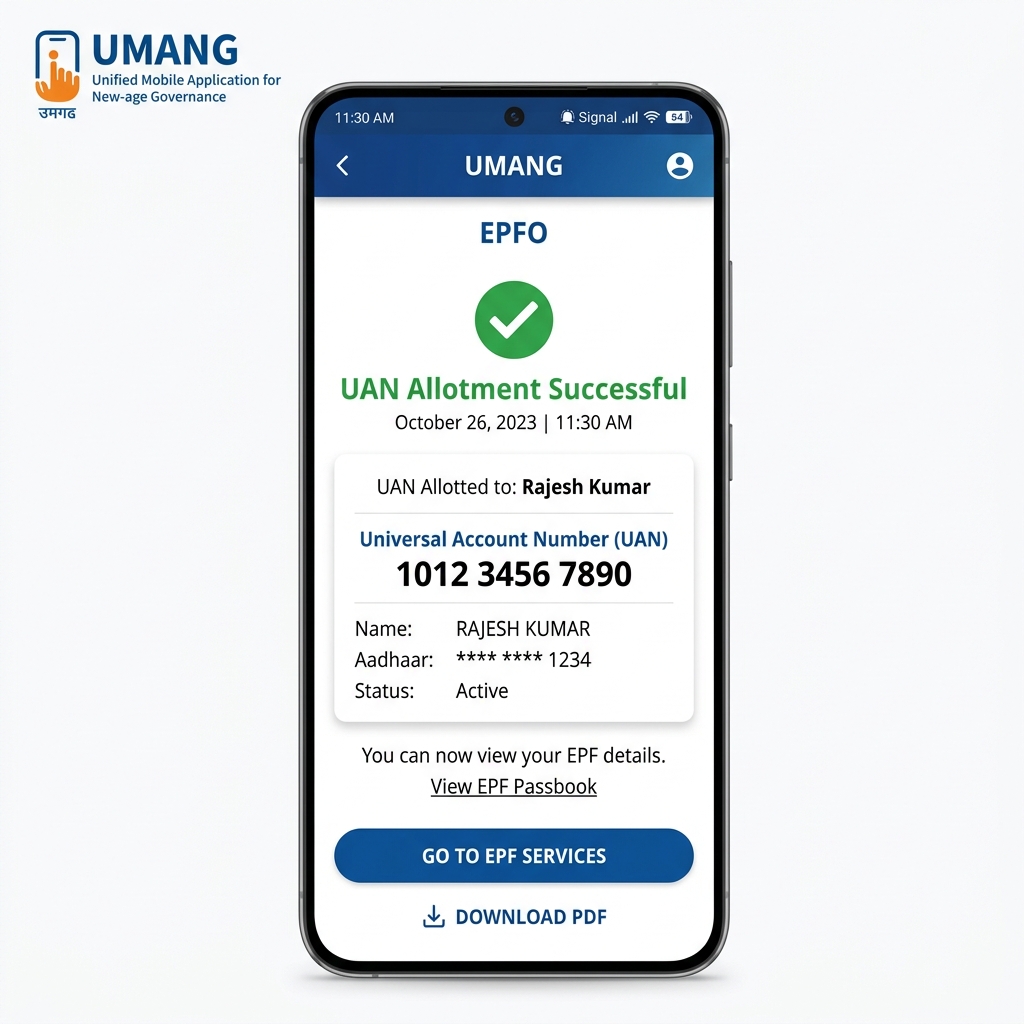
Learn how to easily allot and activate your Universal Account Number (UAN) on your mobile screen using Aadhaar Face Authentication in the government's UMANG app. No paperwork or employer queues required.
Official Guide: How to Generate Your UAN on the UMANG App Using Aadhaar Face Authentication For salaried employees across India, social security and Employees' Provident Fund (EPF) savings are the foundation of long-term financial security. To ensure all monthly contributions are deposited correctly, every employee must have an active Universal Account Number (UAN). The EPFO has now simplified this process by allowing you to generate your UAN directly on your mobile screen using the government's UMANG app and secure Face Authentication—no employer logins or physical paperwork required. To help workers, supervisors, and administrative personnel easily navigate the portal, our Compliance Advisory team has verified the exact step-by-step online process. Below are the precise instructions and layout of the screens you will encounter on your smartphone to successfully allot your new UAN. Notice / Tip This modern registration service relies on UIDAI's Face Authentication (FAT) technology. It is highly secure, fast, and does not require you to visit any local government offices or submit documents manually. Pre-Registration Checklist Aadhaar Number: Keep your 12-digit Aadhaar number ready. Aadhaar-Linked Mobile Number: The SIM card linked to your Aadhaar must be active in your smartphone to receive security OTPs. Stable Internet Connection: Ensure you have a good network connection, as you will need to perform a live camera face scan. A Well-Lit Environment: Choose a bright area for the face scan to prevent verification failures. Step 1: Install UMANG and Aadhaar FaceRD Service Apps Open the Google Play Store or Apple App Store on your smartphone. Search for the official government app named UMANG . Additionally, to perform face scans, Android users must search for and install the Aadhaar FaceRD (Beta) app developed by UIDAI. Both apps must be present on your device before proceeding. Figure: Finding and downloading the official UMANG application and UIDAI's FaceRD securit...